LeadsGateClient preview · prepared by TabSphere

Two directions for the new LeadsGate website.

Both designs use the same LeadsGate brand, products, contact details and home-list enquiry. They differ in how the first visit feels. Open each one, try it on your phone, and tell us which direction suits LeadsGate best. We can also combine parts of both.

Design A

The 3D showroom

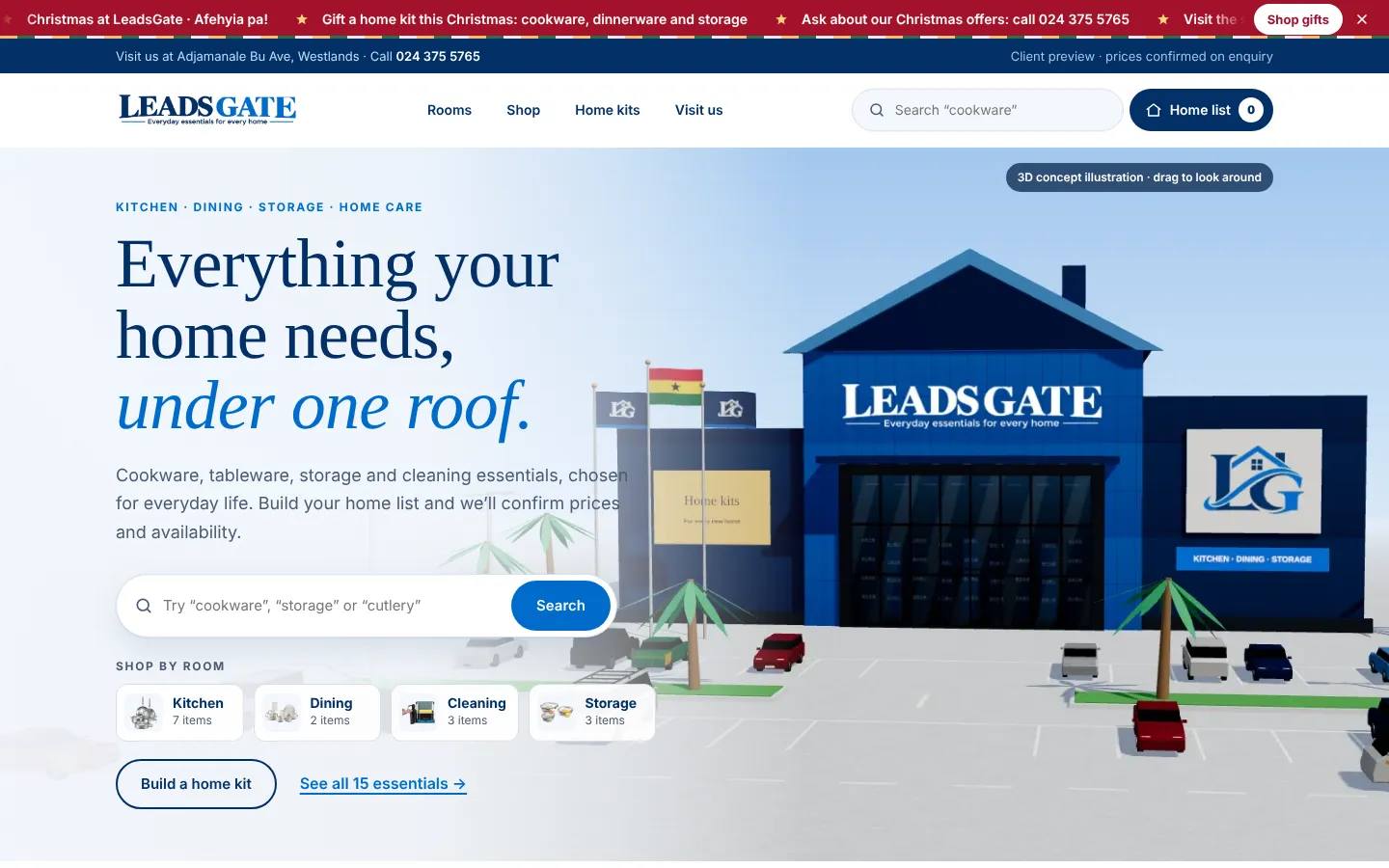
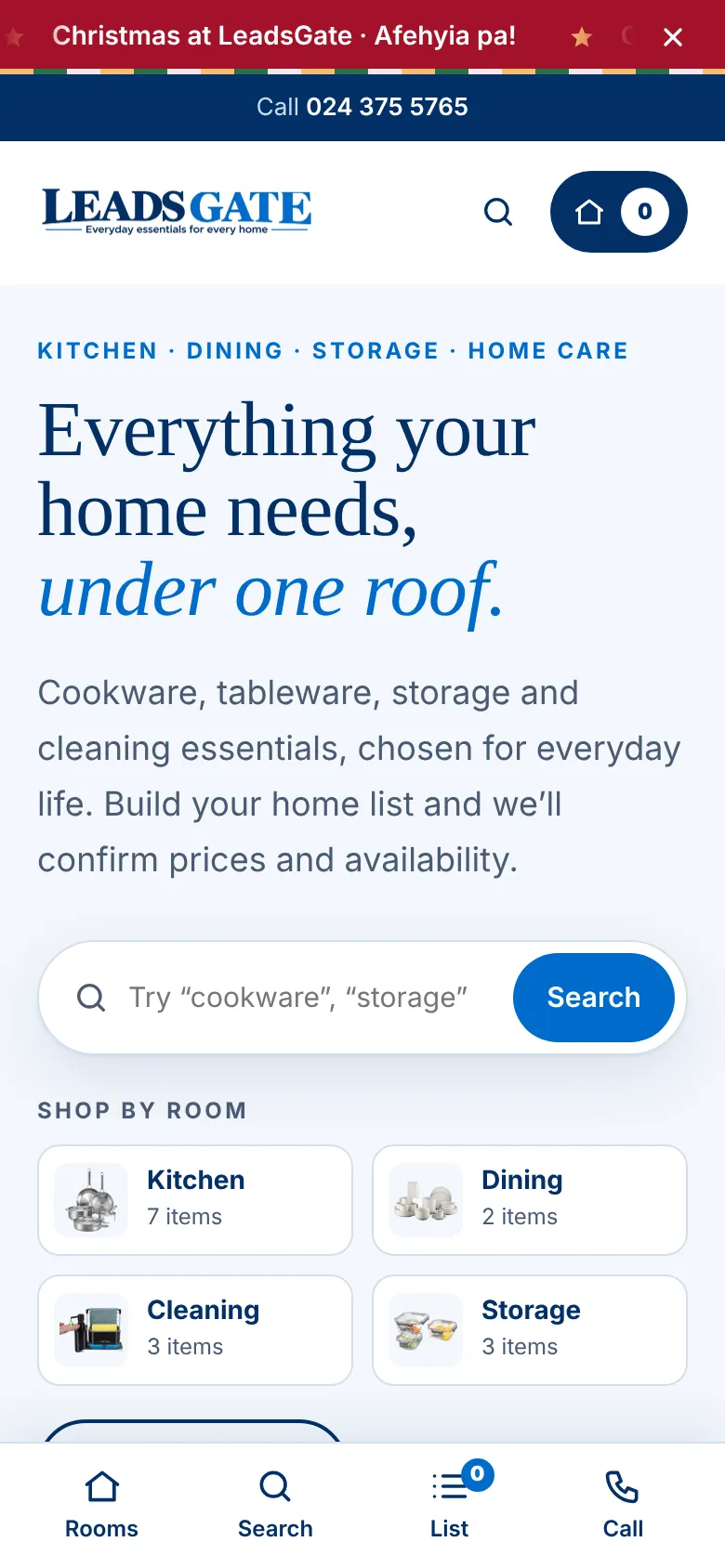
Visitors arrive at an interactive 3D LeadsGate store in brand colours, with shoppers, cars, the Ghana flag and a day-to-night switch.

Best for

  • Making a memorable first impression
  • Building trust in the physical showroom
  • Brand awareness and social sharing

Trade-offs

  • Heavier first load on older phones (a still image shows while it loads)
  • Products sit further down the page
  • The 3D store is a concept illustration, not the real building
Design B

The superstore

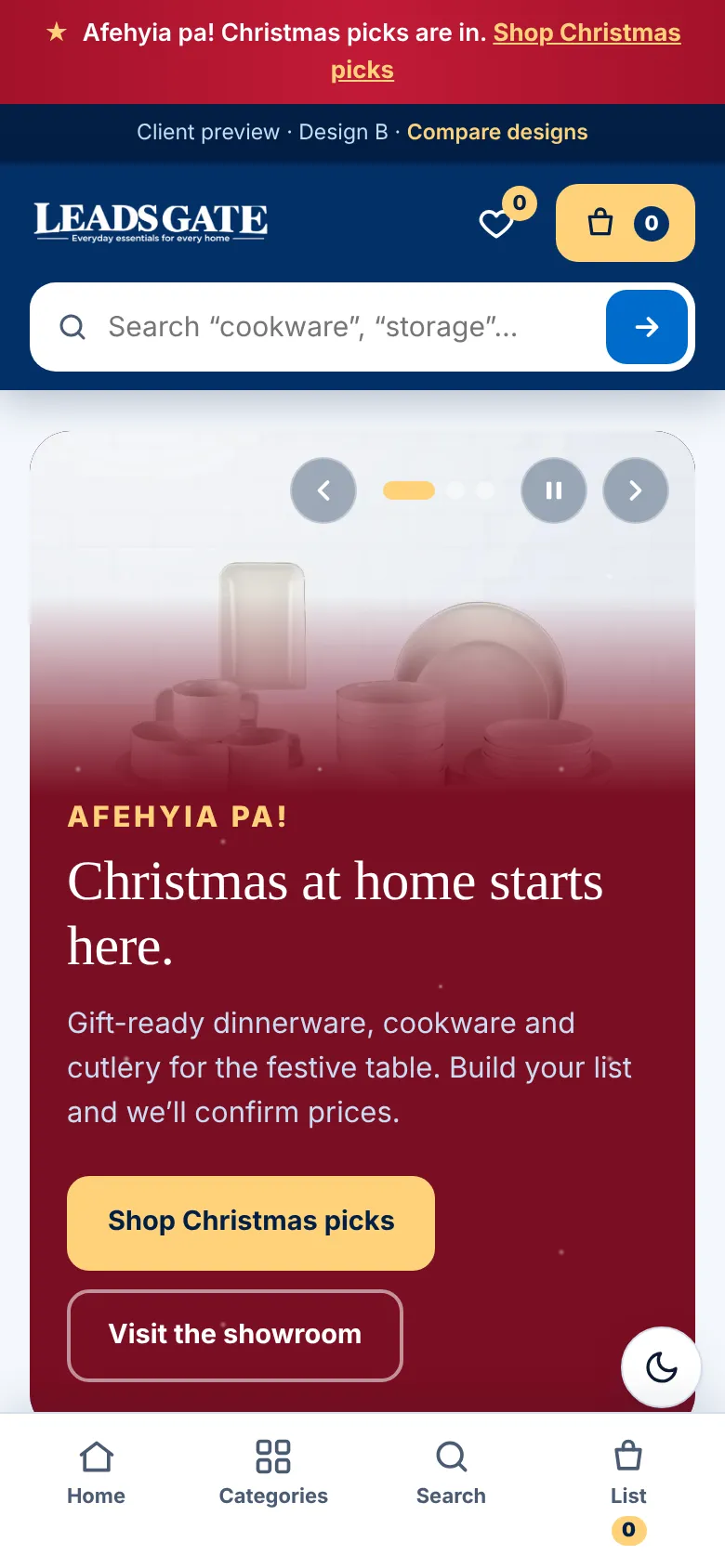
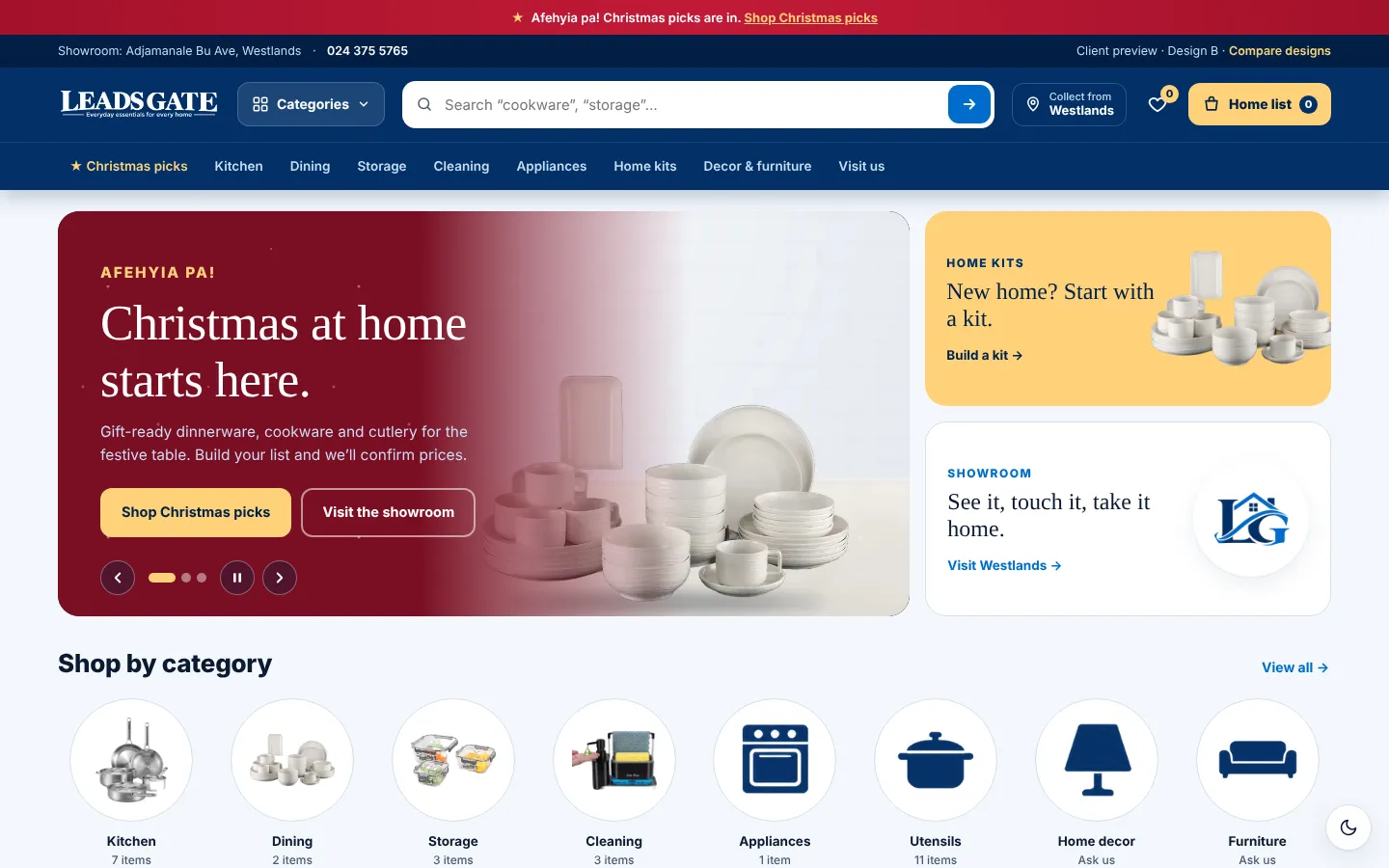
A fast-shopping layout like large Ghanaian retailers: a category menu, a big search bar, a rotating banner, product rails and a Christmas countdown.

Best for

  • Shoppers who already know what they want
  • Growing to a much larger product range
  • Running seasonal campaigns and promotions

Trade-offs

  • Feels more familiar and less distinctive
  • Works best once real prices and more products are added
  • Banners need fresh content each season
Side by side
FeatureDesign A · 3D showroomDesign B · Superstore
First screenInteractive 3D store with headline and searchRotating banner with two side tiles
Finding productsRoom chips, search, category row, filtered gridCategories menu, live search suggestions, category circles, product rails
ChristmasScrolling promo ticker and festive 3D storeChristmas strip, banner and a countdown to 25 December
Home kitsTabbed kit builderKit cards that open a checklist
ListsHome listHome list plus saved items
Dark modeLight only for nowFollows the device, with a switch
CheckoutThe same in both: pay by Mobile Money, upload proof, and LeadsGate approves it in the admin dashboard. An email enquiry is still available.

Also in this preview (shared by both designs): MoMo checkout with proof upload and the admin dashboard for orders, catalogue upload and stock. Both are a working prototype with demo data saved in your browser. Place an order in a design, then open the admin in the same browser to approve it.

Before launch: prices and stock in the prototype are demo values until LeadsGate supplies real ones, and the MoMo account name still needs confirming. Product names and descriptions come from the supplied photos and need LeadsGate’s check. Home decor and furniture are waiting for product photos.